Tutorial Part 1 — Hello Frog
In this tutorial you will run your first ProofFrog proof, break it on purpose to see what a failing proof looks like, and fix it again. You will not write any FrogLang yourself — the goal is simply to get comfortable with the tool before writing anything from scratch.
- Prerequisites
- Get the examples
- Launch the web editor
- Run a successful proof
- Break it on purpose
- Fix it
- What happened when you clicked “Run Proof”
Prerequisites
Make sure you’ve installed ProofFrog.
Get the examples
Download the ProofFrog examples:
proof_frog download-examples
This creates an examples/ directory containing primitives, schemes, games, and proofs from introductory cryptography. The rest of this tutorial assumes you ran this command in your current working directory, so that the path examples/joy/ exists.
Launch the web editor
Activate your virtual environment first. If you followed the installation instructions, ProofFrog is installed inside a Python virtual environment and you need to activate it in every new terminal before running proof_frog. On macOS/Linux with bash or zsh, that is source .venv/bin/activate; on fish, source .venv/bin/activate.fish; on Windows PowerShell, .venv\Scripts\Activate.ps1. Your prompt should show (.venv) once it is active.
Start the web editor pointed at the joy example folder:
proof_frog web examples/joy
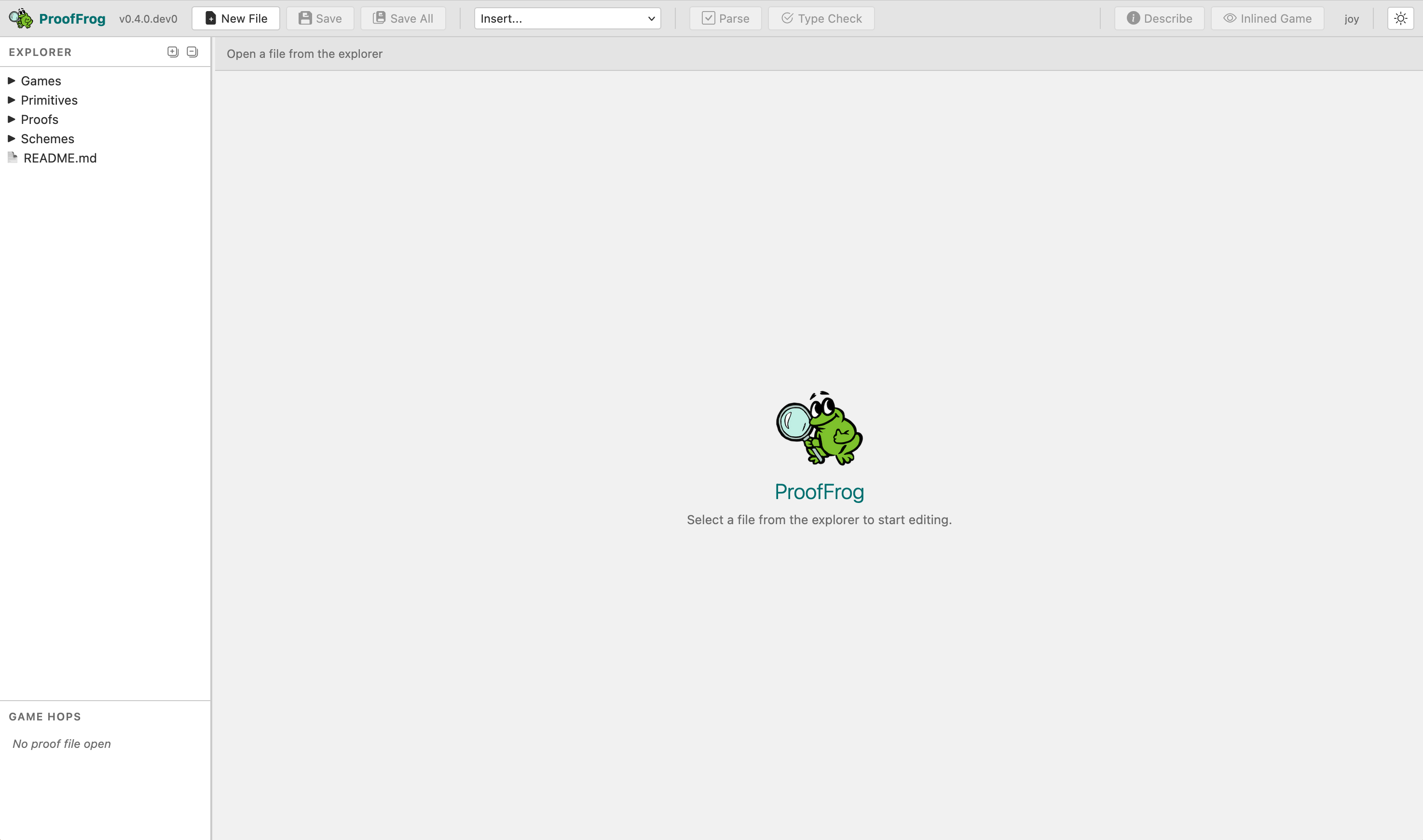
ProofFrog starts a local web server on port 5173 and opens your browser automatically. You should see a file tree on the left and an editor pane on the right.
Run a successful proof
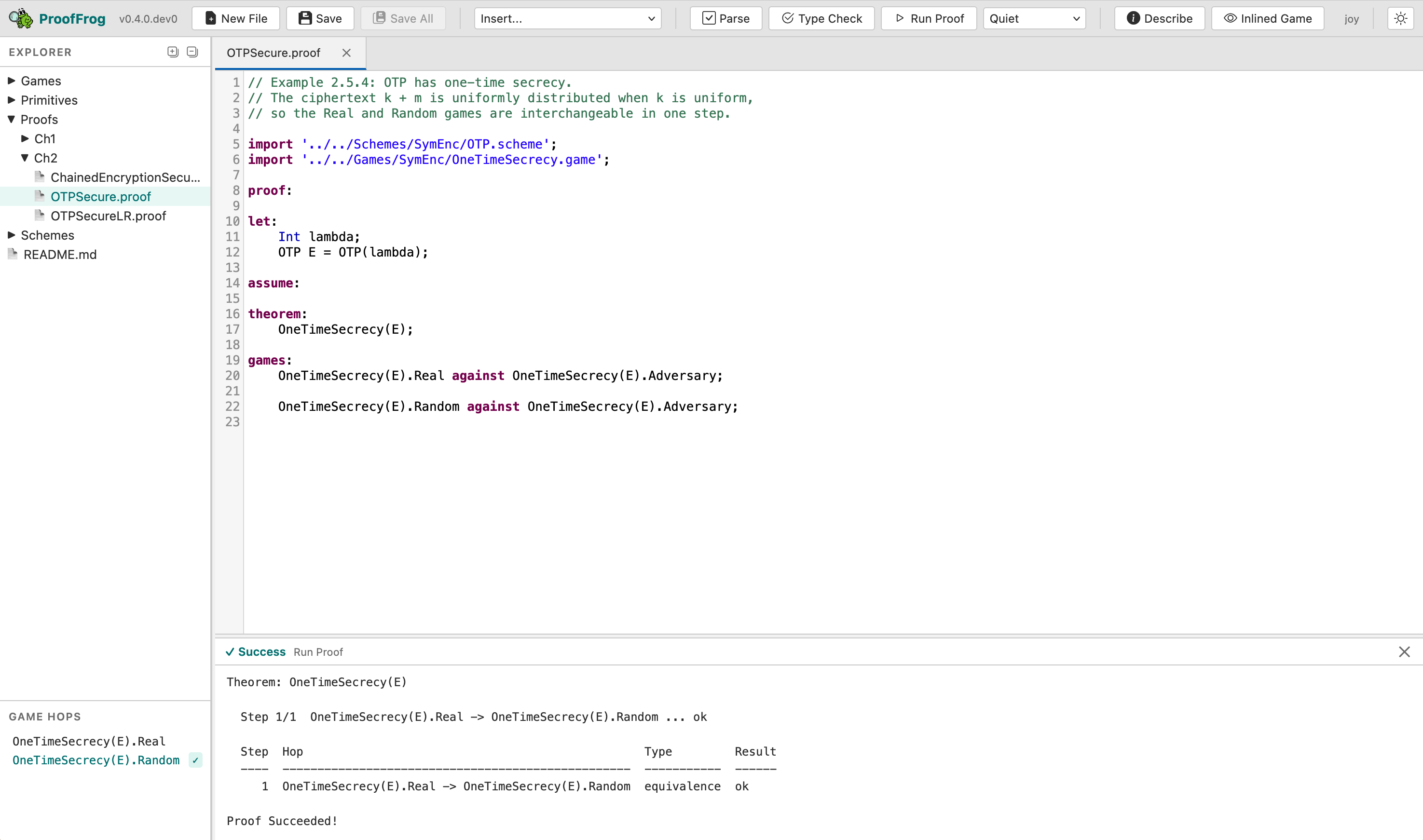
In the file tree, open Proofs/Ch2/OTPSecure.proof. Click the Run Proof button in the toolbar. After a moment the output panel should turn green and report that the proof succeeded.
CLI alternative. You can prove the same file from the command line:
proof_frog prove examples/joy/Proofs/Ch2/OTPSecure.proofThe web editor and the CLI call the same underlying engine; the two paths produce identical results.
Break it on purpose
Open Proofs/Ch2/OTPSecure.proof in the editor. In the games: block, comment out the second line — the one that reads:
OneTimeSecrecy(E).Random against OneTimeSecrecy(E).Adversary;
Add a // at the start so it becomes:
// OneTimeSecrecy(E).Random against OneTimeSecrecy(E).Adversary;
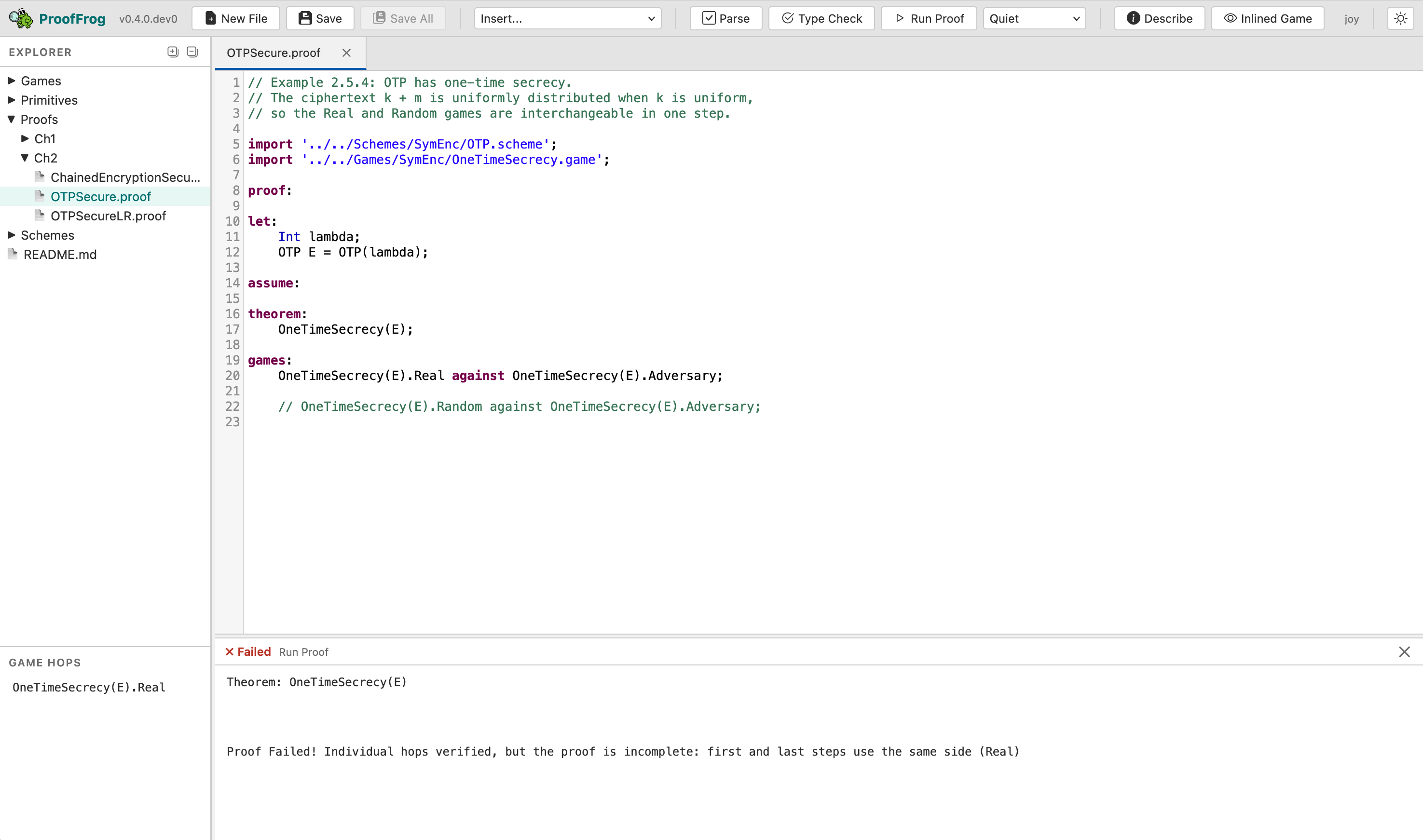
Click Run Proof again. This time the status badge in the output panel turns red and shows ✗ Failed, while the body text reports something like:
Proof Failed! Individual hops verified, but the proof is incomplete:
first and last steps use the same side (Real)
ProofFrog is telling you that both endpoints of the game sequence are on the Real side of the security property, which means the proof never actually reaches the Random side — the chain is broken.
Fix it
Remove the // to restore the line, then click Run Proof one more time. The output turns green again.
What happened when you clicked “Run Proof”
ProofFrog checked that each adjacent pair of games in the games: sequence is interchangeable — meaning the two games are equivalent under the semantics of FrogLang, as verified by the engine’s canonicalization and equivalence-checking machinery. The proof of OTPSecure succeeds because the single hop from Real to Random is one such equivalence: the ProofFrog engine knows XORing a uniformly random key (used only once) with a message produces a uniformly random ciphertext, so the real and random games are indistinguishable. In Part 2 of the tutorial, you will write this exact proof from scratch.